


How do I sign up for the WeMasterTrade Partners Program?

Joining the WeMasterTrade Partners Program is simple and can be completed in just a few steps through your dashboard.
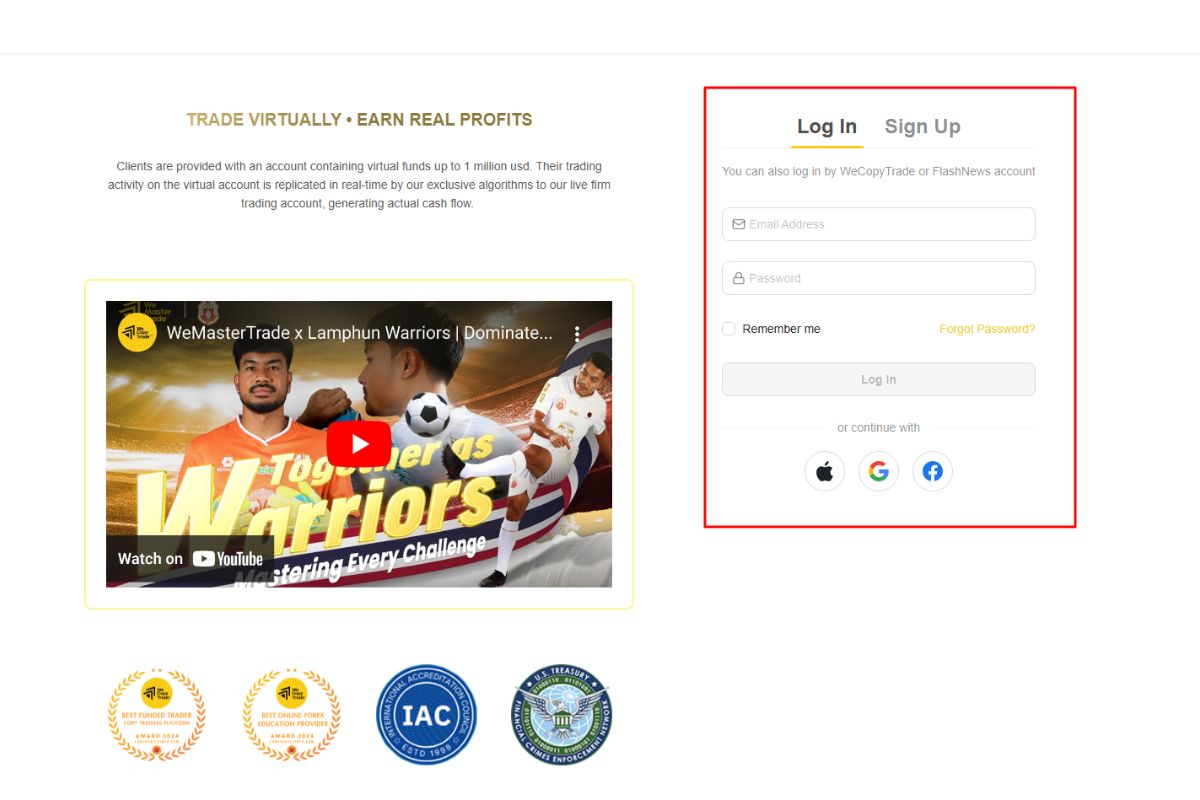
Step 1: Register or log in to your account
Create an account on the WeMasterTrade platform or log in to your existing account to access the user dashboard.
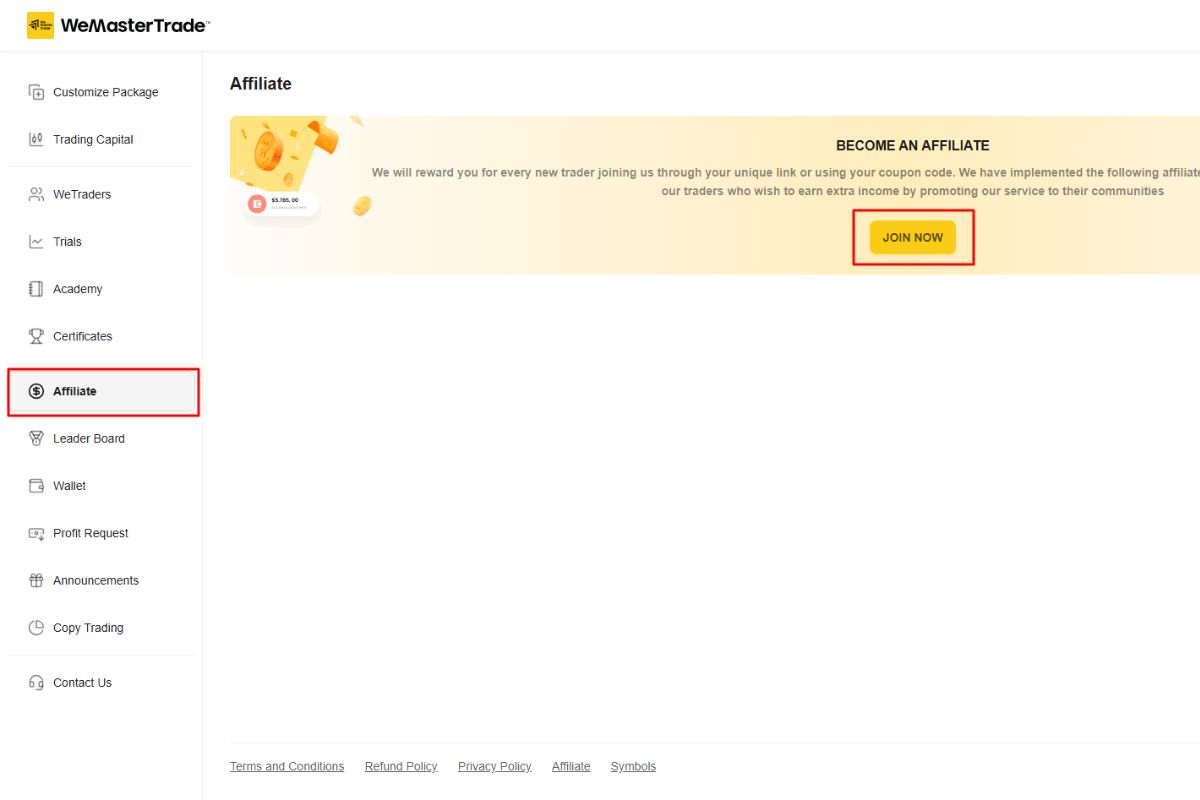
Step 2: Access the Affiliate section
From the left-hand menu in your dashboard, click Affiliate, then select Join Now to start your partner registration.
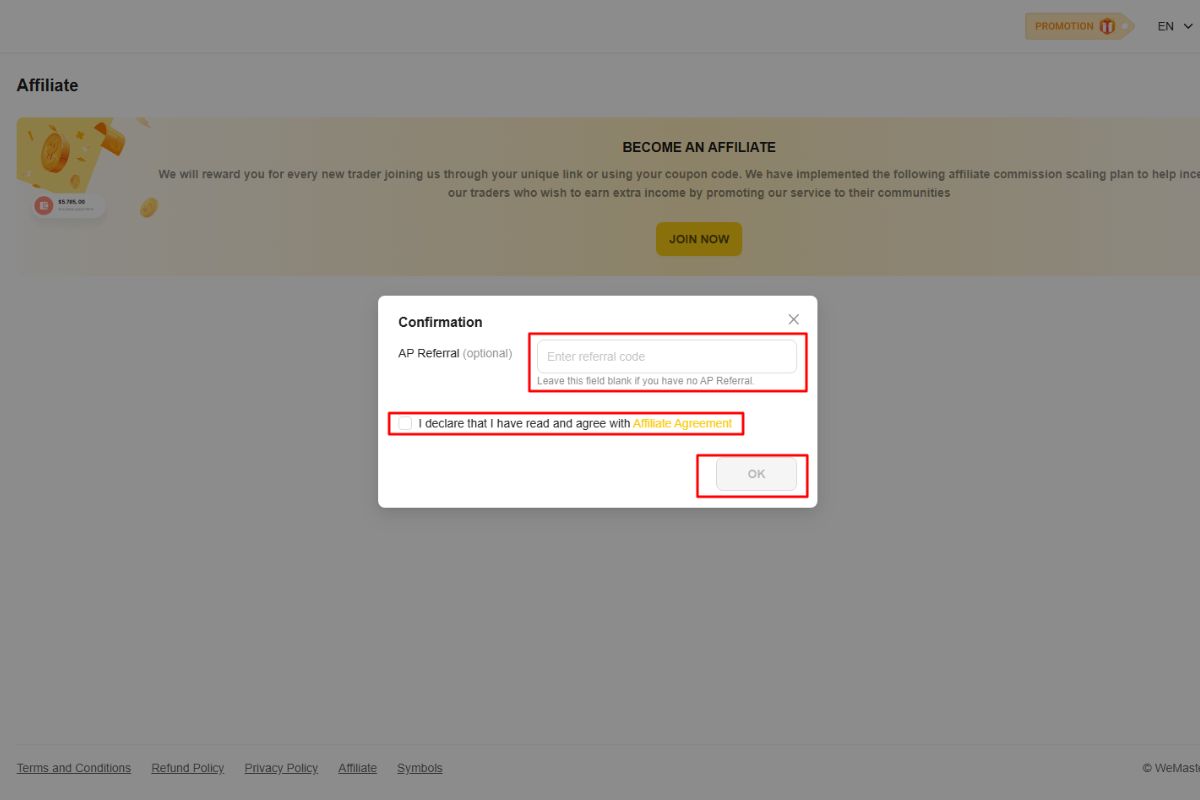
Step 3: Confirm your affiliate application
A confirmation window will appear.
-
Enter an AP Referral code if you have one (optional).
-
Tick the box to confirm that you have read and agree to the Affiliate Agreement.
-
Click OK / Confirm to complete the process.
Once completed, your affiliate account will be activated, and you will be able to access your referral link and affiliate dashboard to start promoting WeMasterTrade.